Settings
Update your profile and account, then find billing and credit controls.
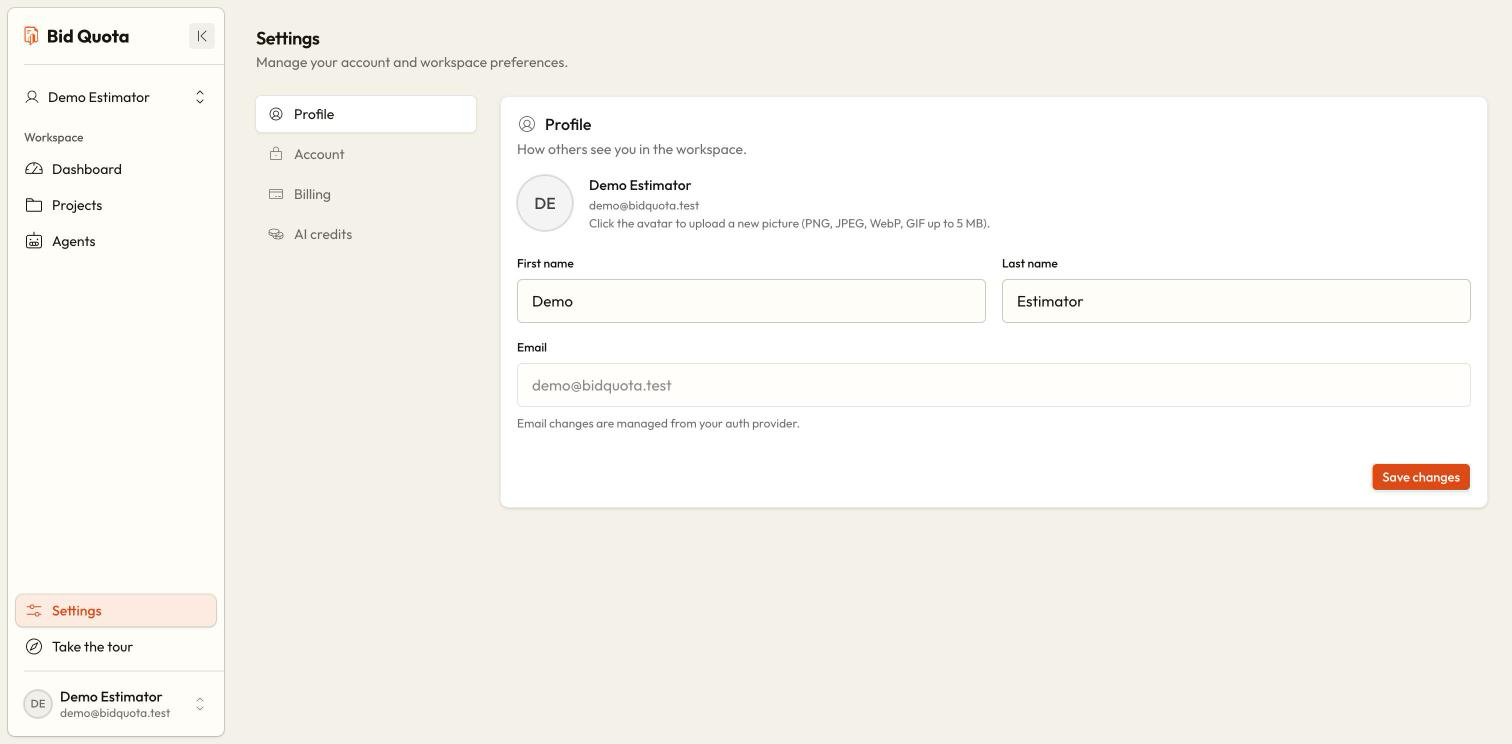
Open Settings from the workspace sidebar. Use Profile for your identity, Account for company and password details, Billing for the workspace subscription, and AI credits for usage and balances.
Open the right section
Return to the workspace sidebar if you are inside a project, then choose Settings and the section you need.
Update your profile
In Profile, edit your name or change your avatar using its control. Save the profile and wait for the success message.
Update account details
In Account, review your email and update the company field using its save control. Use the change-password form when you need a new password.
Check the result
Wait for the saved confirmation. If an error appears, correct it and save again before leaving.
Password changes
Enter the new password and its confirmation as requested. The form requires at least eight characters. If you cannot sign in, use password recovery from the login page instead; see sign up and sign in.
Billing and credit settings
Profile information describes you. Billing and credits relate to the selected workspace, so check its name first. Owners can manage subscriptions; ordinary members should ask their owner for plan changes. Every member can see their own AI credit information.
Plans and billing
AI credits
Wait for the save message