Projects
Create a job and work through its documents, numbers, and bid deliverables.
A project is a separate job with its own uploaded documents and assistant conversations. It opens in Chat. The sidebar also gives you Uploads, Estimate, RFIs, and Proposal, so you can revisit any part of the bid as information changes.
Create or find a project
Choose the workspace
Check the workspace switcher before you create a job. Shared projects should be created in the organization that will work on them.
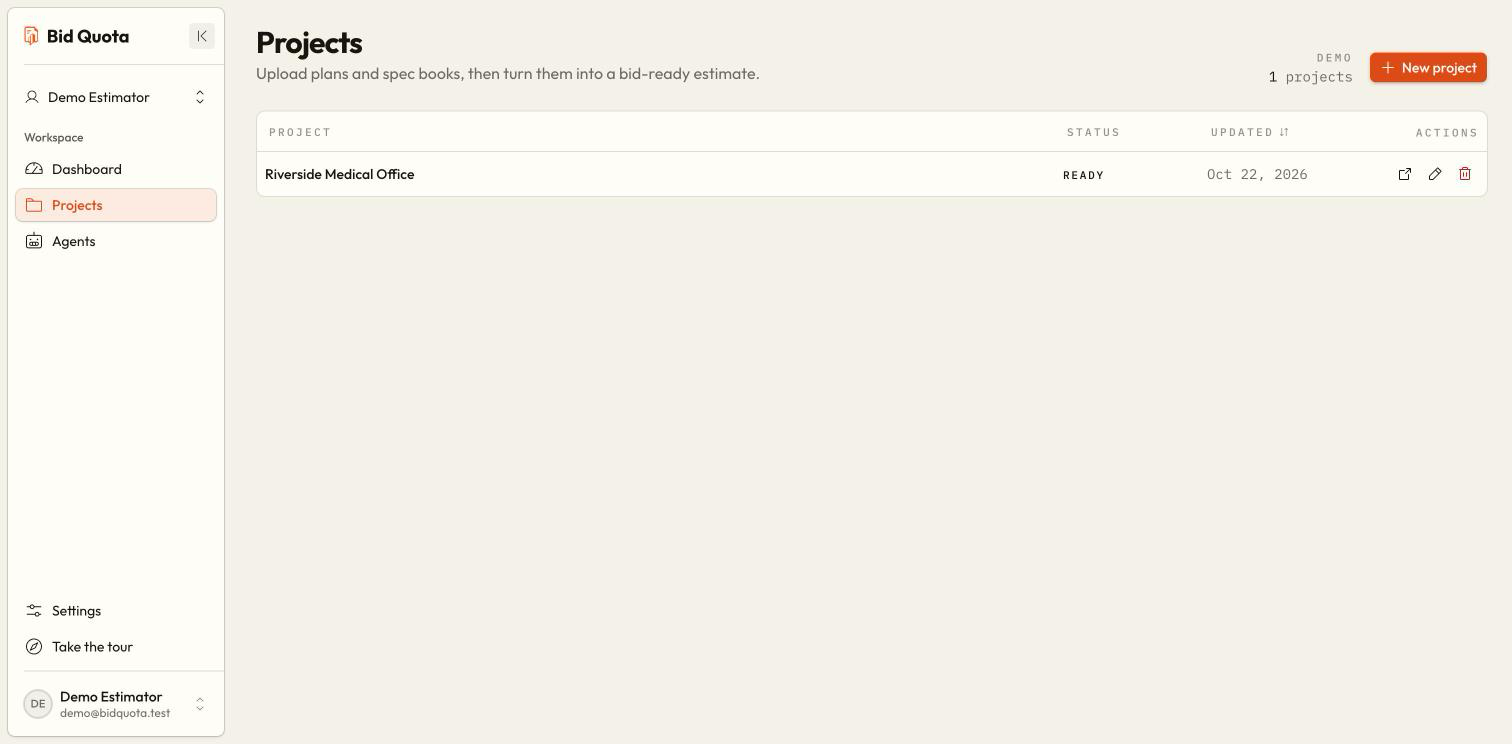
Open Projects
Use Projects in the sidebar. Search or filter the list to find existing work before creating another copy.
Create the job
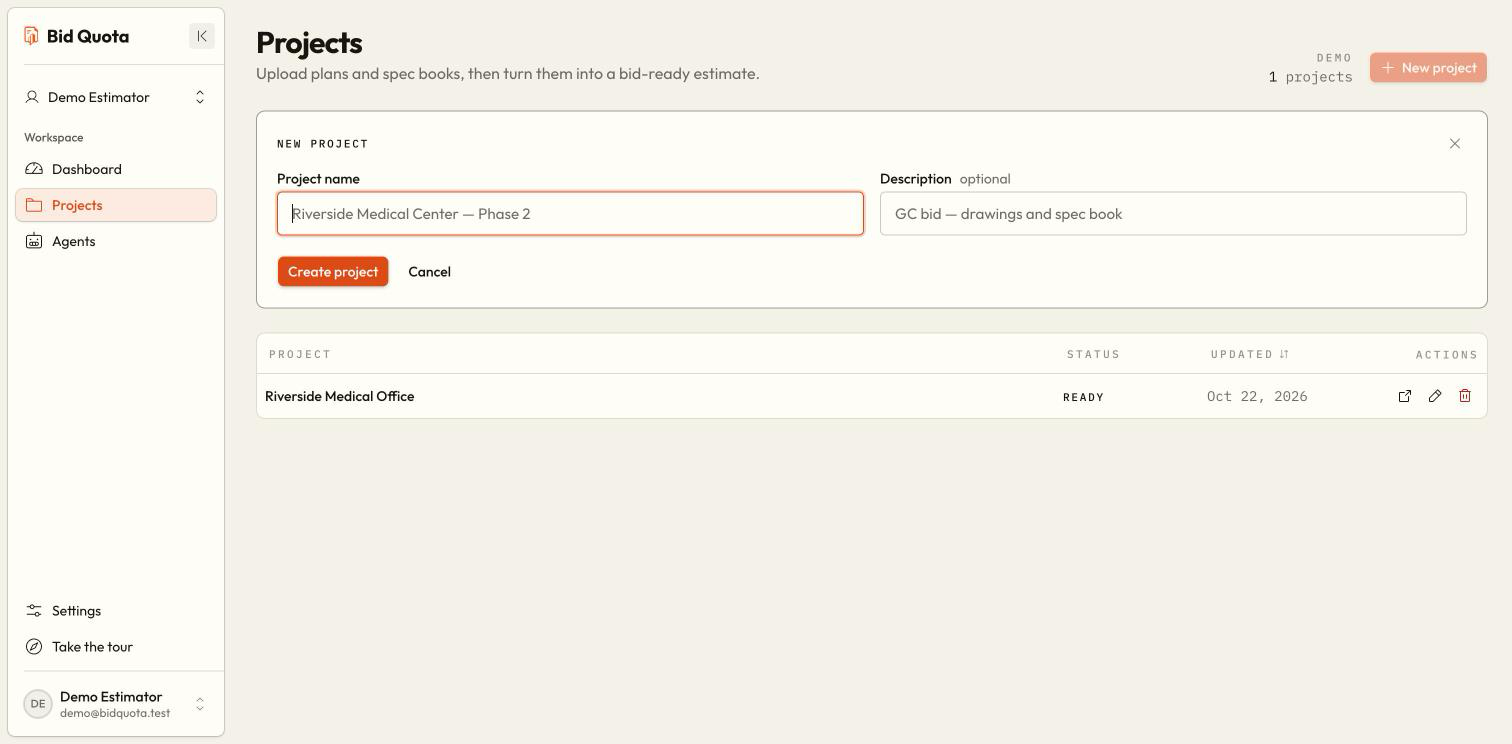
Choose New project. Enter a project name, add an optional description, and choose Create project. Creating… means the request is in progress; Cancel closes the form.
Open the project
Select the job to open its assistant. Upload the bid set, then ask a focused question to begin.
Project limits
Work on the bid
Uploads
Chat
Estimate
RFIs
Proposal
Exports
Why can I not open a project?
It may belong to another workspace or one you no longer have access to. Switch workspaces first. If it is still unavailable, ask the organization owner to confirm your access.